
Forecast
Read the conditions
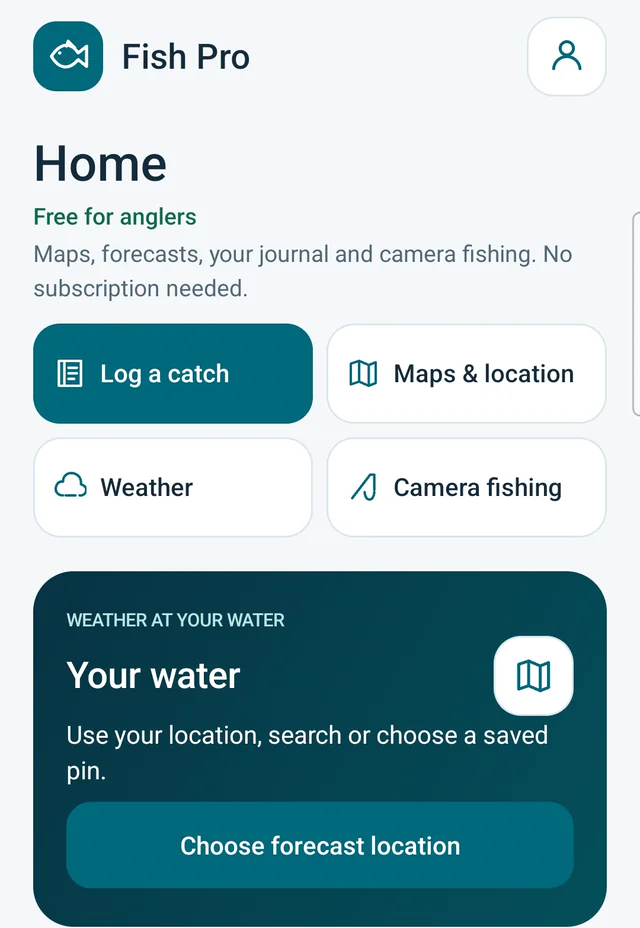
Start with wind, rain and fishing conditions on Home. Tap for the hourly forecast and available radar, or switch to a different water. Turn on coastal tides if you fish the sea.

The fishing app for Android
Pick your spot, check the conditions and keep a private catch log. While you wait for a bite, cast into the water in front of you with camera AR.
Free to download Android 8+ Ages 16+
From planning to landing
Check when to head out, get back to the right peg and keep a record of what worked.
Forecast
Start with wind, rain and fishing conditions on Home. Tap for the hourly forecast and available radar, or switch to a different water. Turn on coastal tides if you fish the sea.
Explore
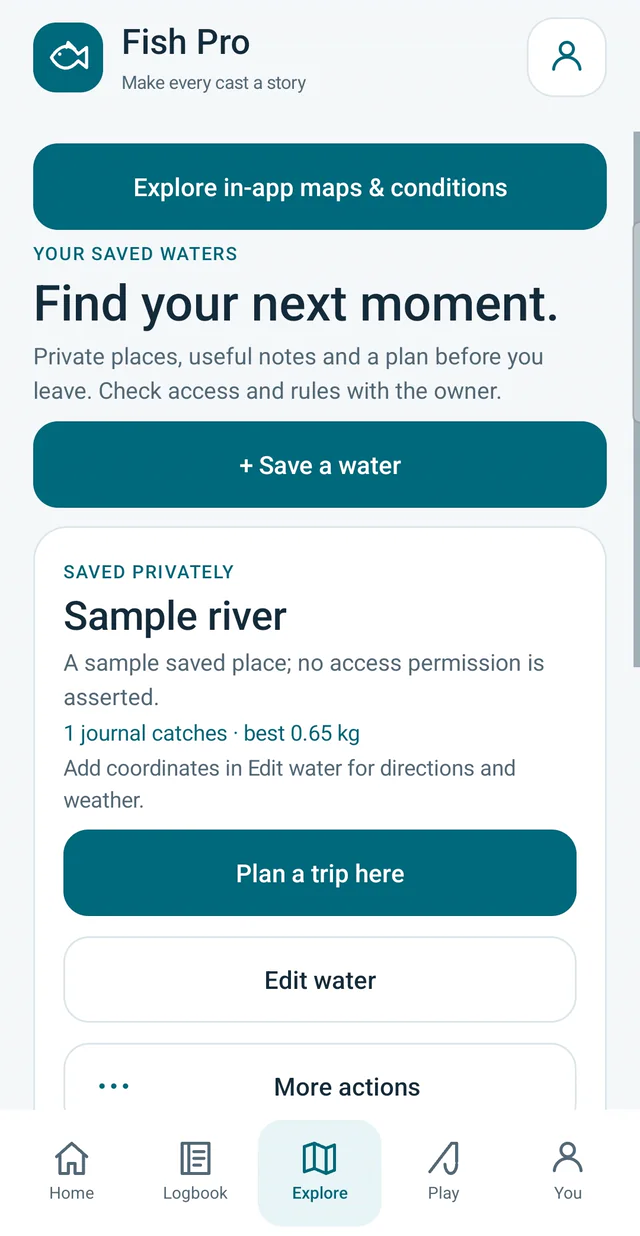
Scout on Google satellite maps, search or centre on your location, and save a pin where you fish. Get directions or share a spot when you choose.
Catch journal
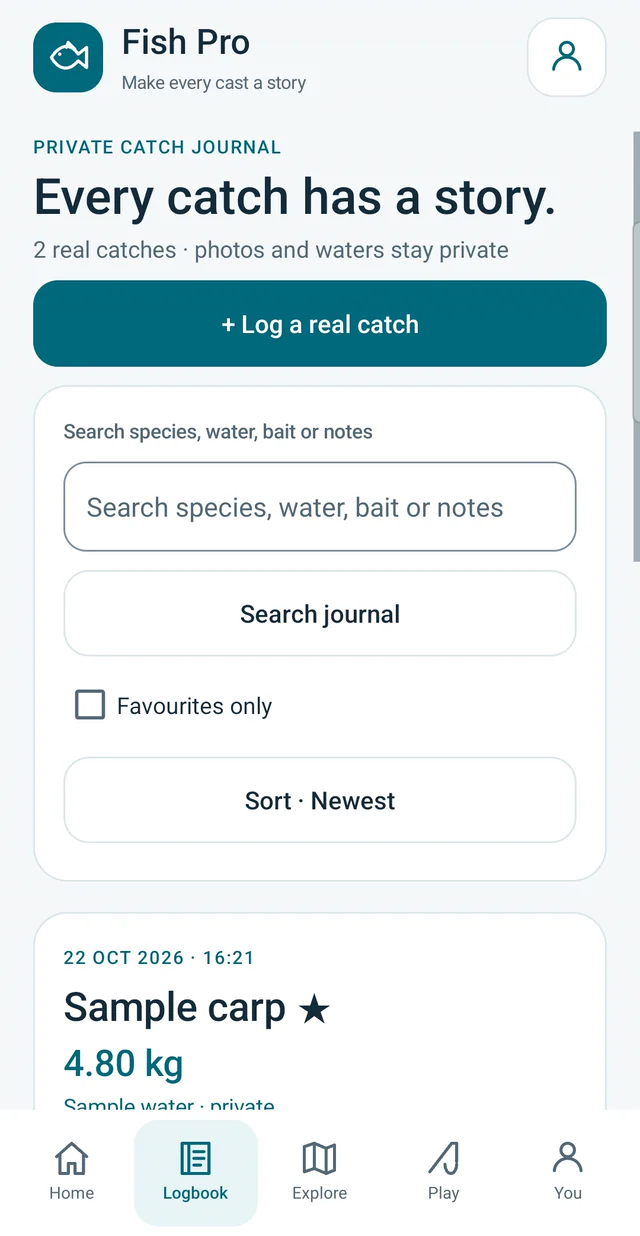
Save photos, species, weight, notes and tackle in your private journal. Filter past catches and share a catch card when you want to tell the story.
App previews use sample catches and waters. Layouts may vary by version.
Water Play
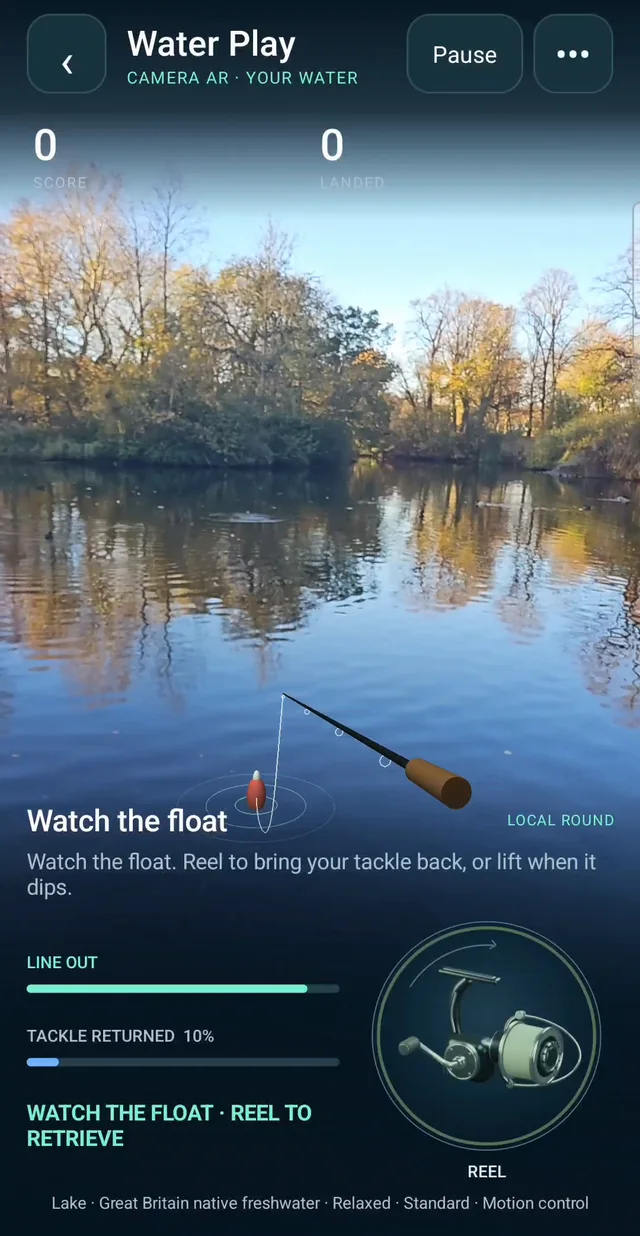
Point a compatible phone at the water. Flick your wrist to cast, lift on a bite and turn the on-screen reel to land a virtual fish.
Camera play requires a compatible ARCore phone and suitable tracking conditions.
Take it fishing
For lakes, rivers, canals, fisheries and the coast.
Save a water, check the forecast and make a tackle checklist. Review local rules and access with the venue.
Drop a private pin and add access notes. Your saved pin and notes are usable offline.
Add a catch and photo, then find it again by water or species. Share the catch card separately from your private notes.
For angling businesses
Basic listings are free. Apply in Fish Pro through Home or You. Once approved, tackle shops can manage product listings and fisheries can set up venue details and sessions. Online orders and bookings depend on availability and set-up.
Good to know
Need a hand with the app or your account?
Contact Fish Pro supportYes. Download Fish Pro and use core tools such as the journal, maps, forecasts and Water Play for free. Ads may appear for eligible users and Remove Ads is an optional Google Play purchase where available.
Fish Pro is available from Google Play for Android 8 and later and is intended for ages 16 and over. For camera play, use an ARCore-compatible device and grant camera permission. Practice mode works without the camera.
Yes. Your journal and saved waters are private. You decide when to share a catch or send or post a pin. Review the location information before sharing a spot.
Saved waters, notes and local journal entries remain available offline. Live satellite imagery, refreshed forecasts, radar and online features such as community or orders need a connection.
Start on Home and choose your current location or another place. Explore also opens the forecast for a selected pin. Coastal tide and radar availability varies by area. Check official forecasts, tides and local advice before going out.
Water Play uses your phone camera and motion sensors to put virtual fishing over the scene in front of you. The fish you cast for in the game are virtual.
Share a catch card or a pin using your phone’s share options. Sign in to use community features such as public spot posts, subject to the community rules.
Yes. Add the Fish Pro widget from your phone’s widget picker and choose the shortcuts you want for tools, trip planning or Water Play.
Open the business entry in Home or You, sign in and complete the application. Approved shops can manage listings and approved fisheries can set up venue and session details.
Get Fish Pro free on Android.


Scan with your phone